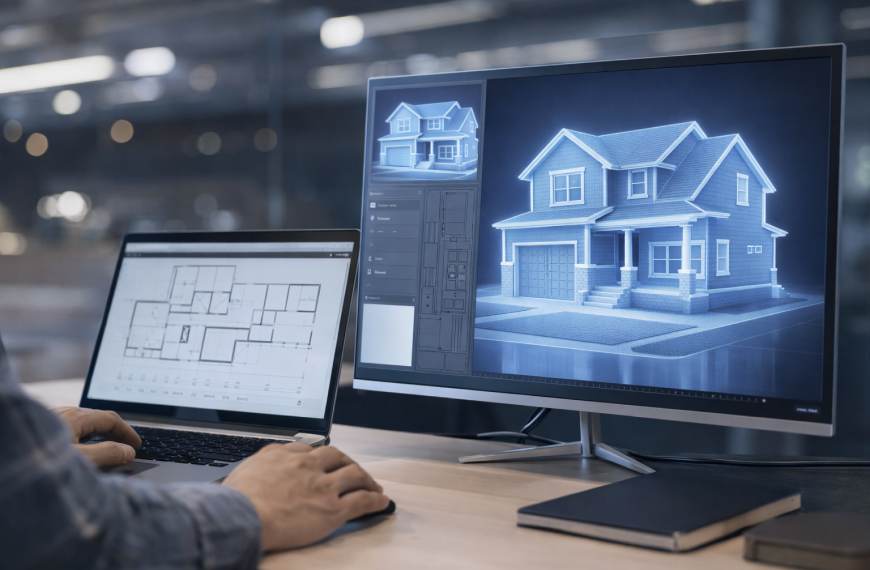
If you look closely at most design and engineering teams, the real issue is not capability. It is repetition. Highly skilled professionals are spending their time fixing inconsistencies, updating drawings, and reworking models after every small change. The frustration is not just about time. It is about the feeling that the same work is being done again and again with very little real progress.
This is where BIM Automation is becoming critical. In 2026, the shift is not about speeding up drafting or improving software performance. It is about fundamentally changing how work flows through a project. AI is now capable of removing the need for manual corrections, aligning systems automatically, and preventing errors before they even appear.
This blog will help you understand how this shift is happening, why it matters for real projects, and what teams need to consider before adopting AI-driven BIM automation in their workflows.
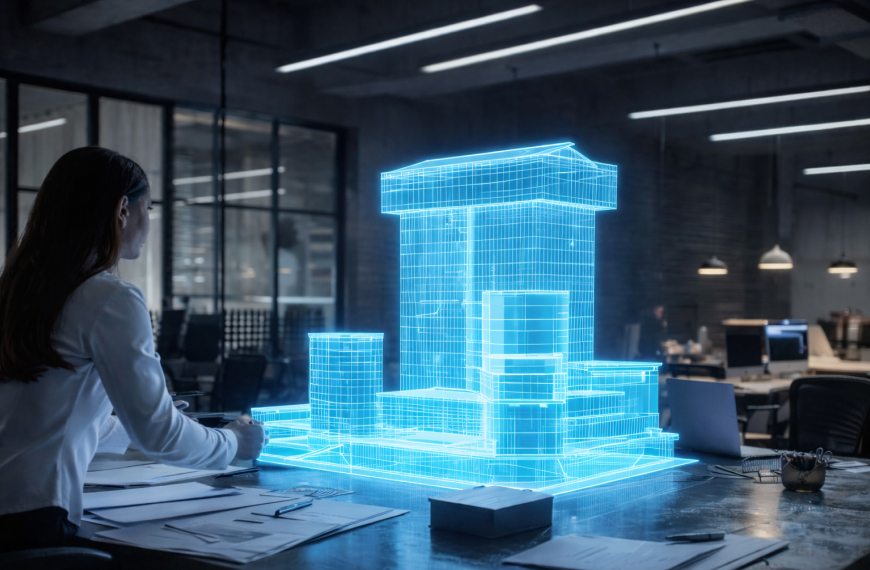
BIM Automation today is not just about scripts or parametric rules. It has evolved into a system where AI actively understands design intent and responds to it.
Instead of just executing predefined commands, modern systems can interpret requirements, evaluate constraints, and generate outcomes that align with project goals.
It includes:
The biggest shift is this:
Automation is no longer about doing tasks faster. It is about reducing the need for tasks altogether.
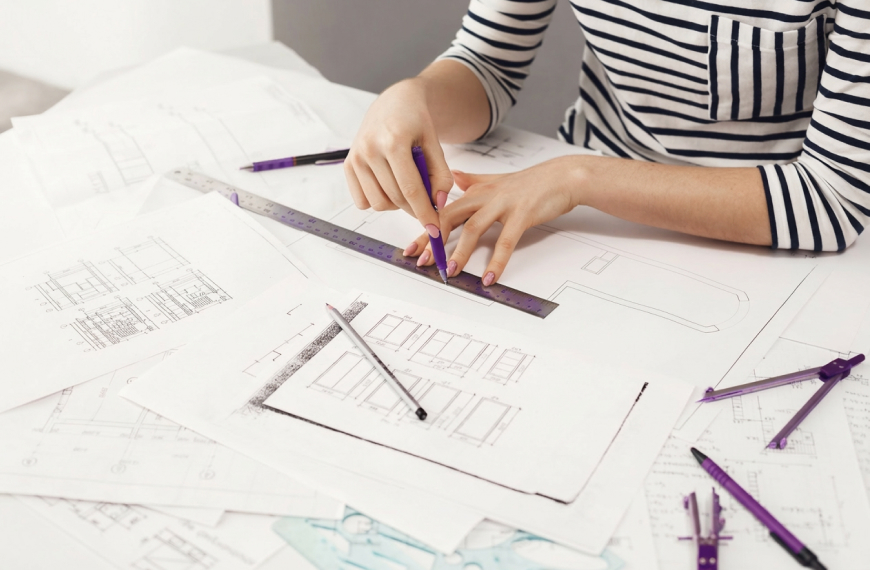
Most teams assume rework is just part of the process. In reality, it is a symptom of deeper structural issues.
Different teams often work with slightly different assumptions, even when they are using the same model. An architect might adjust layouts while the MEP team is still working on older dimensions.
This misalignment does not immediately show up as an error. It builds quietly and later turns into major coordination issues. By the time it is detected, multiple systems need correction, not just one.
Design is naturally iterative. Requirements change, client inputs evolve, and constraints shift. But most BIM models are not built to adapt smoothly to these changes.
When one element changes, the system does not automatically understand the impact across related components. This forces teams to manually track dependencies and update each affected part, which increases both effort and the chance of missing something.
Even today, many critical calculations and validations happen outside BIM tools. Teams rely on spreadsheets for load calculations, cost estimates, or compliance checks.
This creates a disconnect. The BIM model and the underlying data are not always aligned, which means updates in one place do not reflect in the other. Eventually, this gap leads to inconsistencies that require rework.
Clashes are often detected after significant progress has already been made. At that stage, fixing the issue is not just about adjusting a single element. It involves revisiting multiple interconnected systems.
This is why rework feels heavy. It is not just correction. It is rollback and rebuild.
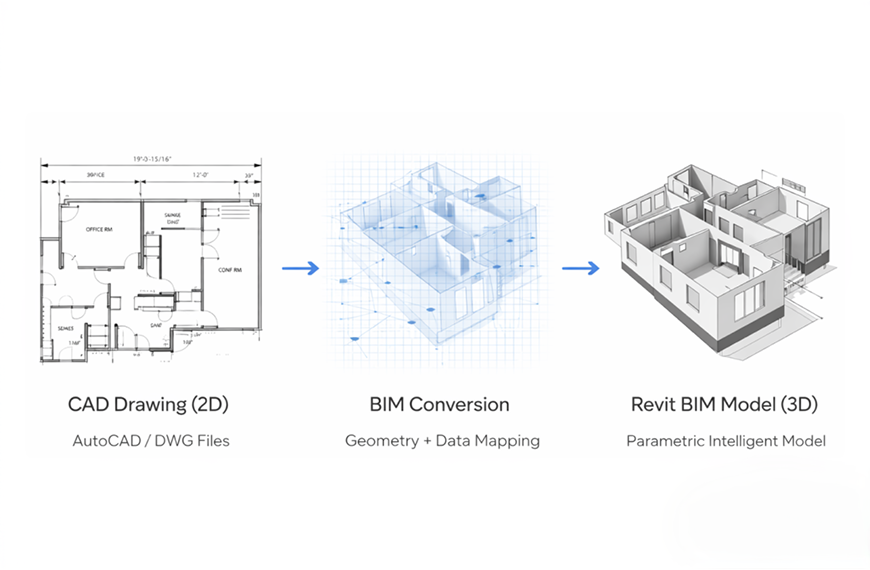
Earlier, teams had to manually create every element in a BIM model, starting from basic geometry to complex system layouts. This process required time, precision, and repeated adjustments.
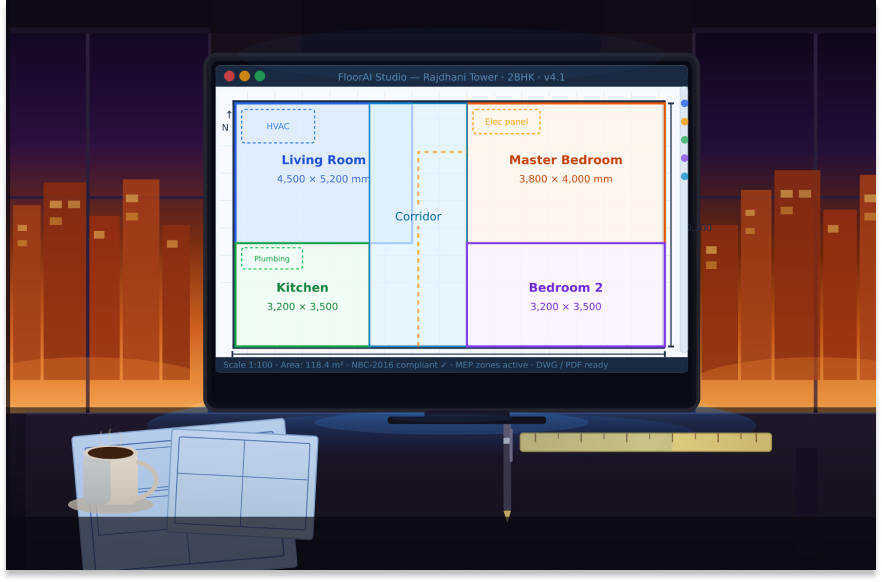
With AI, the approach is very different. You provide inputs such as space requirements, building usage, and constraints. The system generates a structured model that already considers relationships between elements.
This does not mean the model is final. It means the starting point is significantly closer to the desired outcome. Instead of building from scratch, teams refine and optimize.
This reduces early-stage rework, which is where most inefficiencies begin.
In traditional workflows, a small change can have a ripple effect across the entire model. Updating one parameter often requires revisiting multiple systems manually.
AI-driven BIM automation handles this differently. When a change is made, the system understands how different components are connected. It updates related elements automatically, ensuring consistency across architectural, structural, and MEP systems.
This removes the need for manual tracking and significantly reduces the chances of missing updates.
Compliance is often treated as a checkpoint rather than a continuous process. Teams design first and validate later. This approach creates risk because errors are discovered after effort has already been invested.
AI changes this by embedding validation directly into the workflow. As the design evolves, the system checks it against regulations, standards, and project constraints. If something is incorrect, it flags the issue immediately and may even suggest alternatives. This ensures that errors are corrected at the moment they occur, not after they accumulate.
Traditional clash detection tools identify conflicts after elements are already placed. This means the issue has already been created.
AI introduces prediction into the process. Instead of waiting for clashes to occur, the system analyzes patterns and identifies areas where conflicts are likely to happen. It alerts the team early, allowing them to adjust before the problem becomes real.
This shift from detection to prevention is one of the most impactful changes in reducing rework.
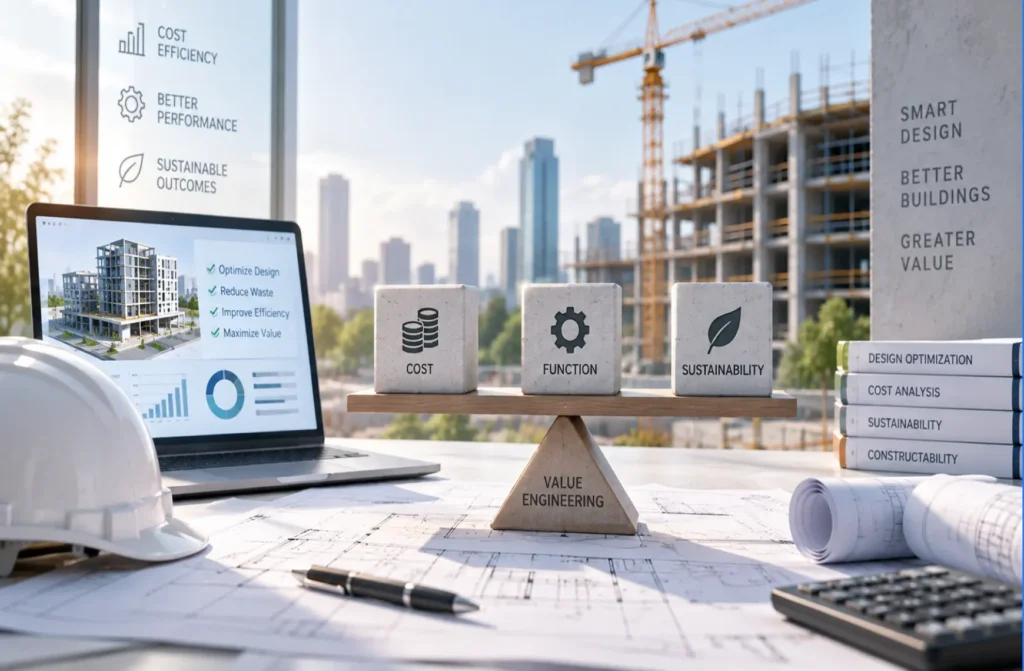
Design decisions are often made without full visibility into cost, materials, or timelines. This leads to adjustments later when execution constraints become clear.
AI integrates these data layers directly into the BIM environment. When a design choice is made, it is immediately evaluated against cost implications, material availability, and construction feasibility. This ensures that decisions are practical from the beginning.
As a result, fewer changes are required later in the project lifecycle.
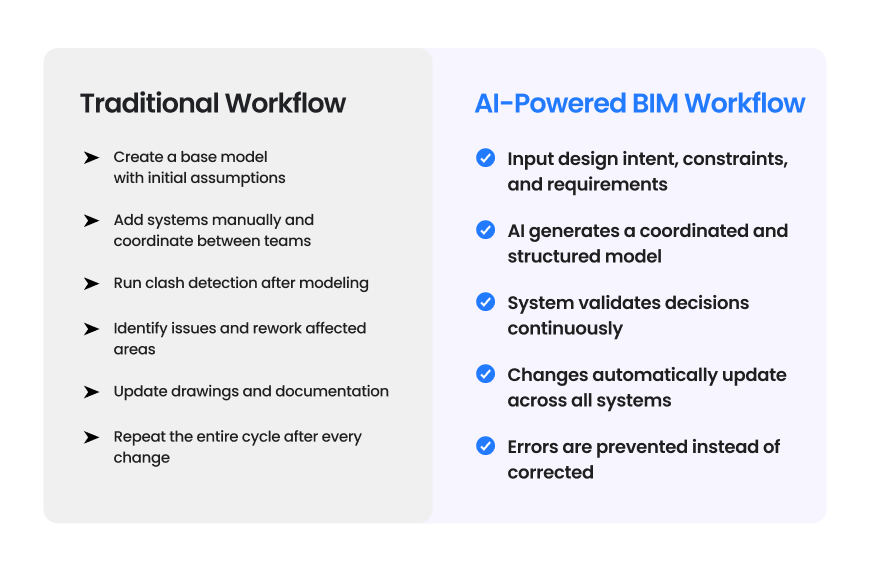
This process is adaptive. It evolves with the project rather than restarting with every change.
When teams know that changes will not break the system, they are more willing to explore better solutions. This leads to more thoughtful design rather than safe design.
AI acts as a shared layer that connects different disciplines. It ensures that everyone is working with consistent data and aligned assumptions. This reduces friction between teams and improves overall coordination.
Errors in design often translate into delays and cost overruns during execution. By reducing errors early, BIM automation minimizes these risks and creates more predictable project outcomes.
When manual workload decreases, teams can handle more projects without increasing headcount. This is not just efficiency. It is operational scalability.
Despite progress, many tools still focus on automating tasks rather than solving the root problem.
Common Limitations
This is why newer approaches, including platforms like DesignDrafter, are focusing on outcome-driven automation rather than task-based automation.
Can the system understand high-level requirements, or does it require detailed instructions for every step? The more intuitive the input, the more powerful the automation.
How well does the system adapt when changes are introduced? A strong system should update related elements without requiring manual intervention.
Does the tool only detect problems, or does it actively prevent them? Prevention is far more valuable than detection.
Does the system connect with cost, materials, and execution data? A disconnected system will still create rework later.
Can your existing team use the tool effectively, or does it require extensive training? Adoption is just as important as capability.
BIM Automation in 2026 is not about adding another tool to your workflow. It is about removing the need for repetitive correction. AI is shifting design and engineering from reactive processes to proactive systems. The focus is moving from fixing problems to preventing them entirely. For teams willing to adapt, this is not just an efficiency upgrade. It is a fundamental change in how projects are designed, coordinated, and delivered. The real question is no longer whether to adopt BIM automation. It is how long you can afford to work without it.
FAQ

BIM Automation means reducing manual effort in building design by using intelligent systems. It helps automate repetitive tasks like modeling, updating, and validating designs. It allows teams to focus more on decision-making rather than execution.
AI brings intelligence into the workflow. It understands patterns, predicts issues, and adapts to changes. This leads to fewer errors, better coordination, and faster iterations.
No. Smaller firms often benefit more because automation helps them scale without increasing team size. It allows them to compete with larger organizations more effectively.
No. It enhances their capabilities by handling repetitive tasks and providing better insights. Designers still control decisions, but with more support.
May 6, 2026
September 14, 2026
March 27, 2026