Every architect who has ever stared at a folder full of old AutoCAD DWG files and thought "I have to rebuild all of this in Revit from scratch" knows the exact feeling. It is slow, repetitive, draining, and frankly, a waste of talented engineering minds.
For years, CAD to BIM conversion was treated as a necessary pain point, something firms suffered through before the real work could begin. But 2026 has changed that conversation dramatically. AI-powered platforms are making the journey from legacy 2D CAD drawings to intelligent, data-rich 3D BIM models faster and more accurate than ever before. For Indian architecture firms, MEP consultants, and EPC contractors, this is not just a workflow upgrade. It is a direct competitive advantage that impacts project timelines, client confidence, and bottom-line margins.
This guide covers everything, from what CAD to BIM actually means in practice, to how AI is automating the conversion process, to what high-quality BIM output really looks like, and how your firm can get there without outsourcing a single file.
Before anything else, it is worth being precise about what this phrase actually means, because it gets used loosely all the time.
CAD (Computer-Aided Design) refers to the 2D drawing environment that most traditionally trained architects and engineers grew up using. These are flat line drawings, typically in DWG or DXF format. They contain geometry, but almost no intelligence. A wall in a CAD file is literally just two parallel lines. It carries zero information about material, thermal performance, structural load, acoustic rating, or cost.
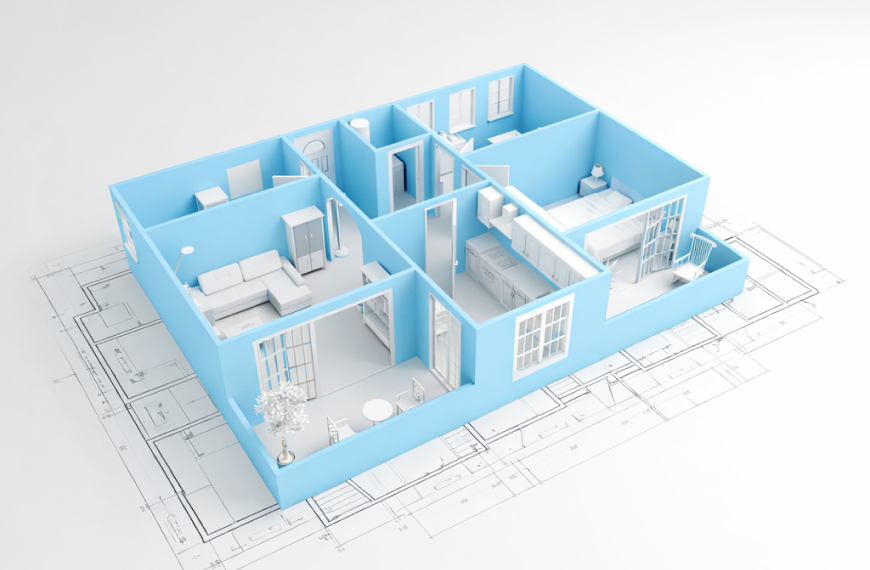
BIM (Building Information Modeling) is a fundamentally different paradigm. In a BIM model, that same wall is a smart object. It knows it is a wall. It carries embedded data about its thickness, material composition, fire rating, and its relationship to adjacent elements like doors, windows, floors, and ceilings. When you change the wall in one drawing, every related view, schedule, and quantity updates automatically.
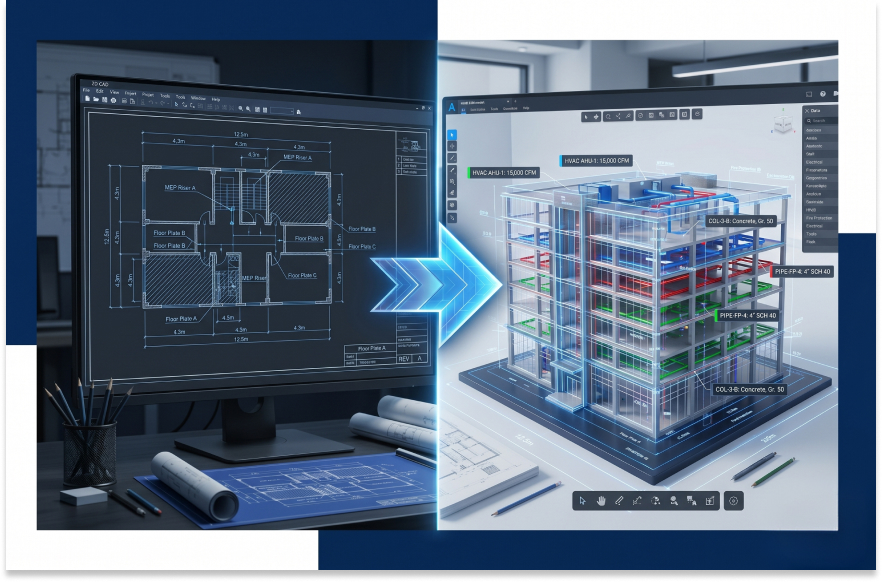
CAD to BIM conversion is the process of taking flat, unintelligent 2D drawings and transforming them into a structured, data-rich, three-dimensional building model, typically in Autodesk Revit or an equivalent BIM platform. The result is a model that can be used for multi-discipline coordination, clash detection, quantity extraction, energy analysis, and facilities management across the entire building lifecycle.
The problem has always been that this process, done manually, requires skilled BIM modelers working for weeks to meticulously trace and rebuild every element from zero. That bottleneck is now being broken by AI.
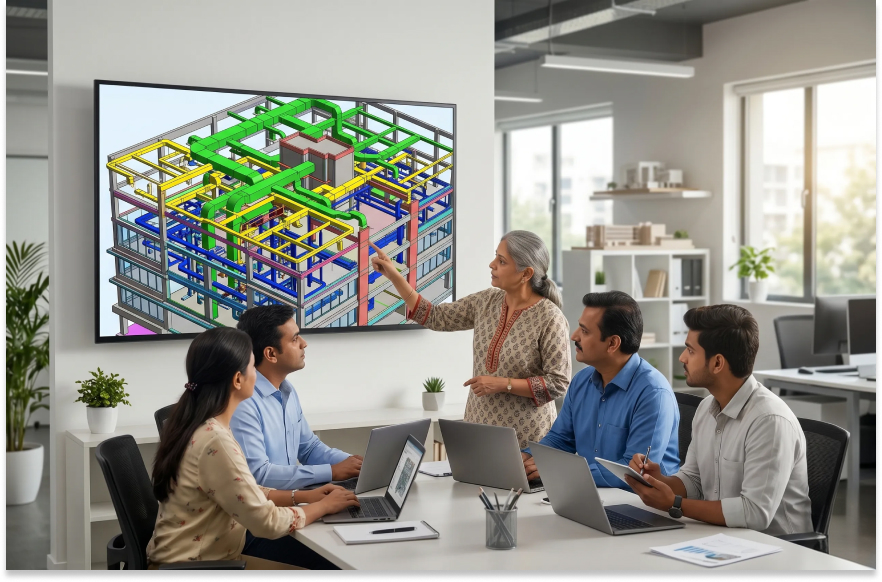
There was a time when BIM adoption in India was optional, something progressive firms did to stand out. That time is over.
The Ministry of Housing and Urban Affairs has been driving BIM mandates for public infrastructure projects across India. Global clients, particularly those managing real estate portfolios or executing cross-border projects, increasingly require BIM deliverables as a contractual obligation. Design-build contracts now routinely expect coordination-ready 3D models, not flat drawings.
At the same time, most Indian firms still carry enormous libraries of legacy CAD files from projects spanning ten to twenty years. When those buildings need renovation, extension, or asset management, someone has to convert that historical data into BIM. There is no workaround.
Beyond compliance, CAD to BIM conversion makes hard financial sense. Here are the core reasons firms in 2026 are treating it as a business priority:
To appreciate where AI-powered automation is taking us, it helps to understand how manual CAD to BIM conversion actually worked, and why it was always a bottleneck.
For a mid-sized commercial building of 10,000 to 20,000 square feet, this process typically takes a skilled BIM team two to four weeks at minimum.
These limitations are exactly what AI-powered platforms are built to solve.
This is where the real story begins for forward-thinking Indian AEC firms.
AI-powered CAD to BIM platforms read your CAD files, identify and classify building elements automatically, and build the BIM model without requiring a human to trace every line by hand. The AI understands line types, layer naming conventions, annotation patterns, and spatial relationships to determine what each element is and how it should be represented in 3D.
The result is a structured, editable BIM-ready model that your team then reviews, refines, and enriches with project-specific data. The heavy lifting of geometry reconstruction is handled by the machine. Your engineers focus on what actually requires professional judgment.
What previously took three to four weeks of manual BIM modeling can now be completed in a fraction of that time. Beyond speed, AI-generated models are more consistent than manual models because the conversion rules are applied uniformly every time. There is no variation between how one modeler interprets a CAD convention versus another.
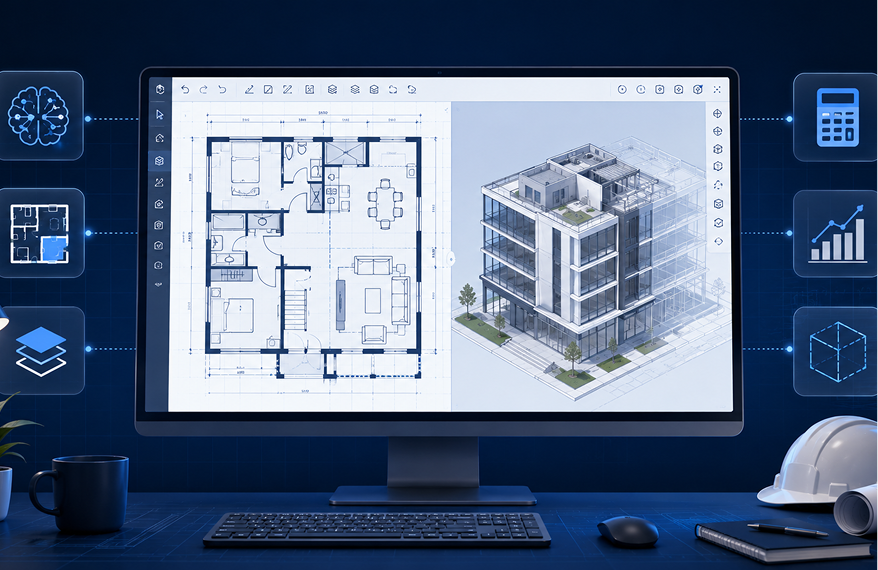
DesignDrafter's Smart Drawing Development capability is built around exactly this transformation. Upload your CAD files, and the platform converts them into structured, editable BIM-ready models for both architectural and MEP systems. It eliminates the repetitive modeling and manual data cleanup that has always been the bottleneck of every CAD to BIM project.
The platform also connects directly with Revit through its Revit Plugins functionality, so your team receives the converted model in the BIM environment they already use, without switching tools or losing data.
Most CAD to BIM guides focus on architectural conversion and barely touch MEP. That is a significant gap, because MEP conversion is genuinely more complex and more critical to project coordination.
In architectural conversion, you are primarily dealing with walls, floors, ceilings, doors, and windows. These are relatively straightforward solid elements with predictable geometry.
MEP systems are fundamentally different:
The AI handling MEP conversion needs to understand system logic, not just geometry. This is a significantly higher bar.
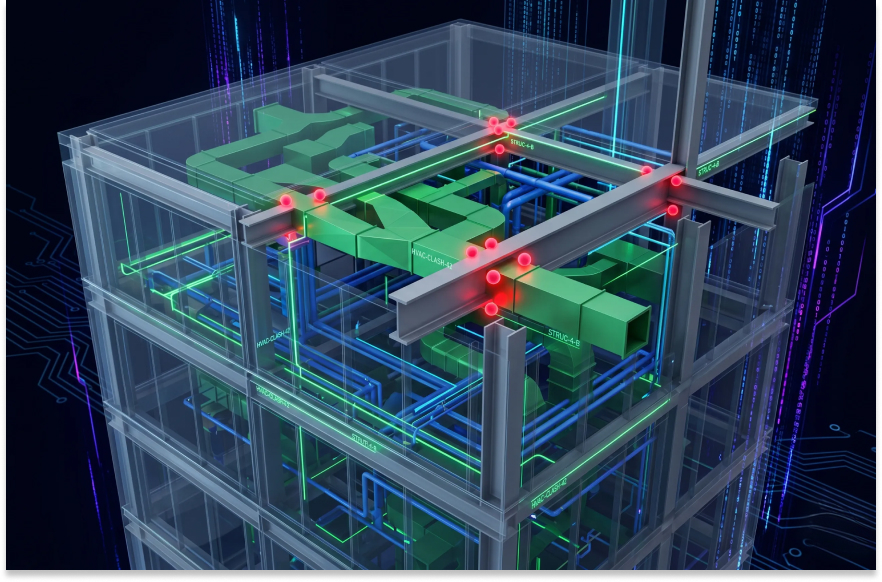
DesignDrafter's platform is specifically designed for MEP engineering workflows through its MEP Consultants Solution. The system understands MEP system types, flow logic, and routing conventions. This means converted MEP models are technically accurate and coordination-ready, not just visually similar to the source CAD drawing.
You can also connect the converted MEP model directly to DesignDrafter's Design Calculation modules for Electrical, HVAC, Plumbing, and Fire Fighting systems, validating the converted model against engineering standards without leaving the platform.
Not all CAD to BIM output is equal. When evaluating any conversion, whether done manually or through an AI platform, these are the quality markers you should look for.
Every element in the converted model should be a proper BIM object, not a generic extrusion or 3D mass. Walls should be wall families. Pipes should carry system parameters. Lighting fixtures should carry lumen and wattage data.
Elements should be connected to each other the way they are in the real building. A window should be hosted by its wall. A diffuser should be connected to its duct. Structural beams should relate to columns and slabs. Without these relationships, the model cannot be used for coordination or analysis.
Level of Development (LOD) defines how detailed the BIM model needs to be for its intended purpose. A model for coordination needs LOD 300. A model for construction sequencing needs LOD 350. A model for facilities management needs LOD 400 or 500. Quality conversion output should meet the specified LOD consistently and verifiably.
The converted model should include proper sheets, grids, levels, title blocks, and view templates so that drawings can be produced directly from the model. A model that requires hours of additional setup before it can produce a single drawing has not been fully converted.
For projects destined for FM handover, the model needs to carry structured asset data in COBie format and element classification in Uniclass. DesignDrafter's CAD to Revit conversion workflow includes COBie and Uniclass fill as a built-in capability, which means your model is FM-ready from day one.
CAD to BIM conversion looks different depending on who is using the output. Here is how the value breaks down by team type.
Architects gain a 3D design environment where changes propagate automatically. Section views, elevations, and floor plans all update from the same model. Design iterations become faster, and client presentations become significantly more compelling. DesignDrafter's Architects Solution is built around supporting this workflow end to end.
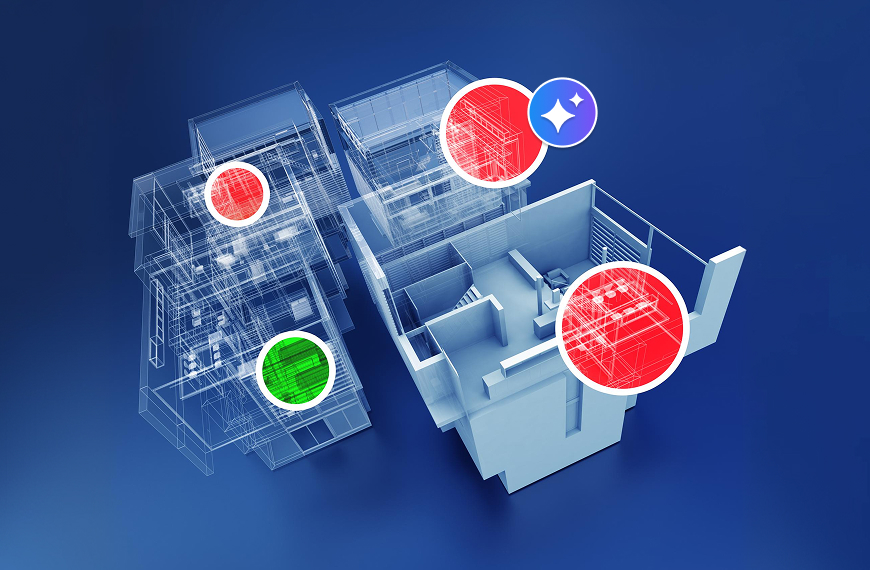
MEP consultants gain a coordination-ready 3D model where spatial clashes between disciplines can be detected before construction. Systems can be visualized in the context of the full building, routing can be optimized, and BOQs can be generated directly from the model. DesignDrafter's MEP solution integrates MEP conversion with engineering calculations, making the model both geometrically accurate and technically validated.
Design firms handling full project delivery gain the ability to manage multi-discipline coordination in a single federated model. This reduces RFI volume on site, compresses the project schedule, and improves handover quality. DesignDrafter's Design Firms Solution is configured specifically for teams managing architecture, structure, and MEP in a unified workflow.
Contractors who convert client-supplied CAD drawings to BIM before construction begins gain accurate material quantities for tendering, 4D scheduling capability, and a basis for as-built documentation. DesignDrafter's Contractors Solution supports this downstream conversion workflow.
Many Indian AEC firms have historically outsourced CAD to BIM conversion to third-party vendors. This approach has served its purpose, but it carries real costs that are worth examining honestly.
AI-powered platforms like DesignDrafter allow your team to handle CAD to BIM conversion internally, at a fraction of the time and cost of manual modeling, without the data security exposure of third-party outsourcing. Your files stay within your organization. Your team controls the timeline. And the output quality is consistent every time.
For firms running multiple concurrent projects, this shift from outsourced conversion to in-house automation is often a turning point in how they scale their business.
Getting started with AI-powered CAD to BIM conversion on DesignDrafter is straightforward.
Here is the basic workflow:
DesignDrafter offers a free trial so your team can experience the conversion workflow on your own project files before committing to a plan.
The CAD to BIM conversion space is not static. Here is what the next two to three years looks like based on where the technology is trending.
Fully automated conversion with zero manual tracing is already here for standard building typologies and will improve further for complex and bespoke projects.
Real-time BIM generation during design is emerging, where AI generates a BIM model simultaneously as the architect sketches or inputs design parameters, removing the conversion step entirely.
Scan to BIM is growing rapidly, where point cloud data from laser scans of existing buildings is converted directly to BIM models, enabling faster and more accurate as-built capture.
AI-powered clash prediction will go beyond detection to actually predict where clashes are likely to occur based on design patterns, before the model is even fully built.
Integration with AI Design Agents is already available on platforms like DesignDrafter, where an intelligent AI Design Agent can execute complex multi-discipline tasks, from model generation to BOQ production to documentation, autonomously. This represents the logical endpoint of the CAD to BIM automation journey.
The AEC industry in India is at an inflection point. Firms that are still relying on manual CAD to BIM conversion are carrying a structural inefficiency that affects every project they deliver. The cost is real, the timeline impact is real, and the competitive disadvantage against firms using AI-powered automation is growing every quarter.
The good news is that the solution is accessible right now. AI-powered CAD to BIM conversion through platforms like DesignDrafter does not require a massive investment, a new team, or months of onboarding. It requires a willingness to upgrade one workflow that has been a bottleneck for too long.
If your firm is ready to move from slow, manual BIM modeling to fast, accurate, AI-powered CAD to BIM conversion, start your free trial on DesignDrafter today and experience the difference on your own project files.
FAQ

CAD is a digital drafting tool that produces 2D drawings made of lines, arcs, and text. BIM is a data-rich environment where every building element is an intelligent 3D object carrying information about its material, dimensions, cost, and relationships to other elements. CAD tells you what something looks like. BIM tells you what something is.
With AI-powered conversion platforms like DesignDrafter, a standard mid-sized commercial building (10,000 to 20,000 square feet) can be converted from CAD to a BIM-ready model in a fraction of the time required for manual modeling. Projects that previously required two to four weeks of manual work can be turned around significantly faster, depending on the complexity of the CAD source files.
Yes, both architectural and MEP drawings can be converted. MEP conversion is more complex than architectural conversion because it requires the AI to understand system logic such as pipe sizing, duct routing, and electrical circuiting, not just geometry. Platforms designed specifically for MEP workflows, like DesignDrafter, handle this complexity by building MEP system intelligence into the conversion engine.
DesignDrafter’s CAD to BIM output is compatible with Autodesk Revit, which is the industry standard BIM platform for architecture, structure, and MEP in India and globally. The platform also includes Revit Plugins for seamless transfer of converted models directly into your Revit environment.
Data security is a legitimate concern, and it is one of the reasons many firms prefer in-house automation over third-party outsourcing. DesignDrafter operates with secure data handling practices. For specific data security and compliance queries, you can reach the team through the DesignDrafter contact page.
Yes. DesignDrafter’s conversion workflow includes COBie and Uniclass fill, ensuring that the converted BIM model carries structured asset data in the format required for facilities management handover. This is particularly important for public infrastructure projects in India that are moving toward BIM mandate compliance.
Once a CAD file is converted to a BIM model, quantities can be extracted automatically from the model without manual measurement. DesignDrafter’s platform connects the converted model directly to its Quantity Extraction module, allowing teams to generate BOQ-ready outputs immediately after conversion. This eliminates a separate estimation step and significantly reduces the time between design completion and cost reporting.