In Short
A room's heat load is the heat it gains: sensible heat, which raises the air temperature, plus latent heat, the moisture that has to be removed. Add up the heat through walls and roofs (Q = U × A × ΔT), solar gain through glass, people, lighting and equipment, and fresh air; total the sensible and latent gains; apply the safety factor your design standard calls for; and convert to TR by dividing kW by 3.517. Always use the design conditions for the project's own location.
Every air-conditioning design starts with one number: how much heat does this room gain? Size the equipment too small and the room never cools; too big and you pay for capacity you don't need.
This guide walks through a room-by-room cooling load calculation, the main components, the formulas, and the mistakes that most often throw the number off.
Note: this is a simplified method for understanding the components of a cooling load. Detailed designs follow recognised methods and standards (for example, ASHRAE methods and ISHRAE data in India), with design conditions for the project's location. Always use the method and data your project requires.
A room's cooling load has two parts:
The total load is sensible plus latent, usually expressed in kW or TR (tons of refrigeration), where 1 TR = 3.517 kW.
You need:
Most errors start here, with a room area typed in wrong or design conditions copied from another city.
Q = U × A × ΔT
Detailed methods use an adjusted temperature difference that accounts for sun and the wall's thermal mass, rather than a simple outdoor-minus-indoor value.
Sun through windows is often the single biggest load in a room. It depends on the glass area, its orientation, the time of day and the type of glass and shading. Detailed methods use solar gain factors for each orientation.
Each person adds both sensible and latent heat, and the amount depends on the activity: seated office work adds less than a busy canteen or a gym. Use the standard per-person values for the activity.
Lights, computers, servers and kitchen equipment turn most of their power into heat in the room. Use the actual connected loads where you know them, with an allowance for how much is in use at the same time.
Outdoor air brought in for ventilation has to be cooled and dehumidified. In SI units, a common approximation is:
where Δw is the difference in moisture content between outdoor and indoor air. In humid climates, the latent part of fresh air can be very large.
Check the result against more than one design condition where it matters. In much of India, a monsoon condition can give a higher latent load than the peak summer condition.
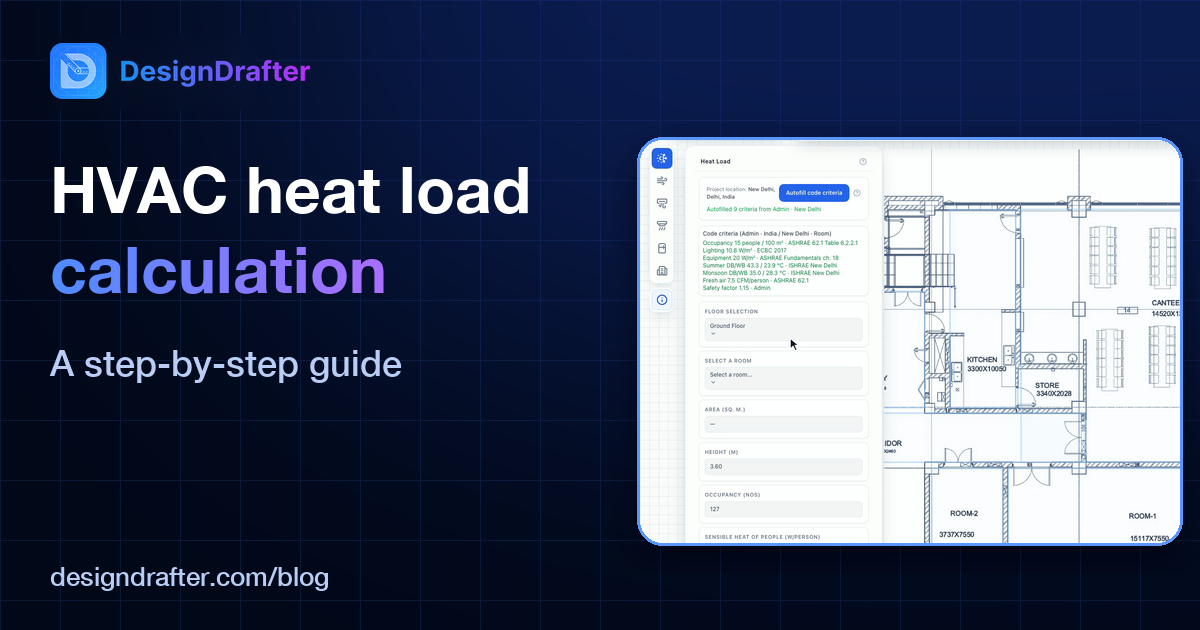
In DesignDrafter's Design Calculation module, the heat load runs on your real floor plan:
When the plan changes, the room areas come from the same drawing, so nothing is retyped.
See it on your own project. Book your demo.
Watch the Design Calculation Walkthrough on YouTube to see the whole workflow.
This article explains the principles of cooling load calculation. It is not a substitute for a detailed design to the standards your project requires.
Founder
Manas Krishna is a Mechanical Engineer and infrastructure technology entrepreneur with 20+ years of experience in MEP (Mechanical, Electrical, and Plumbing) engineering, public health engineering, and transport infrastructure projects across India.

June 2, 2026

June 16, 2026

April 14, 2026