In Short
This guide is built for that exact moment, before you sign anything. We will walk through what MEP design calculation software actually does, why picking the wrong one is more expensive than most firms expect, and a practical checklist you can use to evaluate any tool on the market today.
If you have ever sat through a vendor demo for MEP design calculation software and walked away more confused than when you started, you are not alone. Every platform claims to be the fastest, the most accurate, and the easiest to adopt. But most engineering firms only find out what actually matters after they have signed the contract, migrated their projects, and realized the tool does not support their local code or their team's workflow.
This guide is built for that exact moment, before you sign anything. We will walk through what MEP design calculation software actually does, why picking the wrong one is more expensive than most firms expect, and a practical checklist you can use to evaluate any tool on the market today.
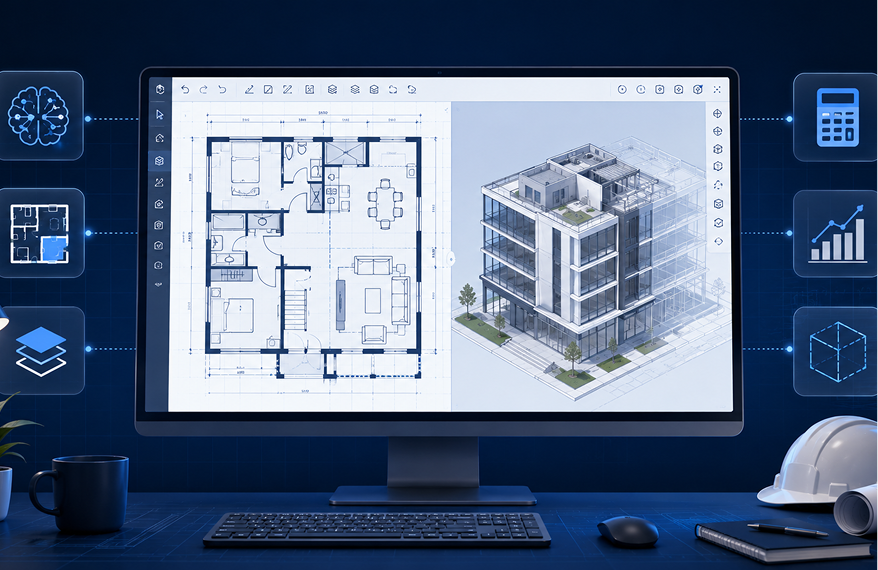
MEP design calculation software is a digital tool that automates the engineering calculations behind mechanical, electrical, and plumbing systems in a building. Instead of manually working through heat load formulas, cable sizing tables, pipe friction losses, or sprinkler hydraulics on a spreadsheet, engineers input project parameters and the software generates validated, code compliant results.
If you want a broader introduction to the discipline itself, our guide on what MEP means in construction covers the full scope of mechanical, electrical, and plumbing engineering before you get into software selection.
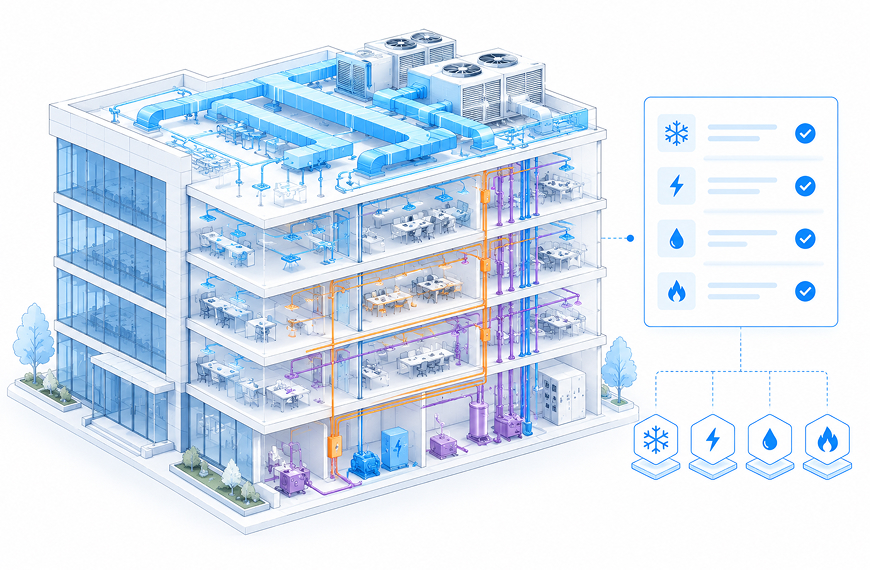
Good MEP design calculation software typically covers four core disciplines:
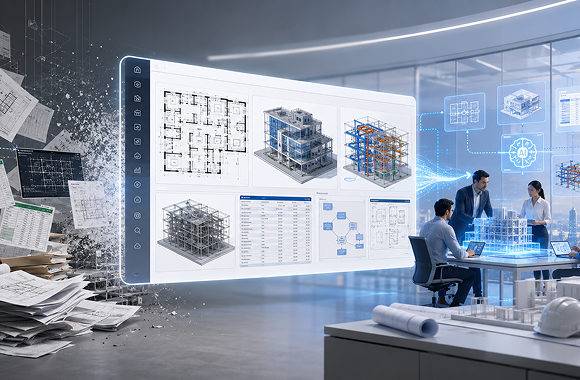
Most firms do not switch to software because a spreadsheet suddenly stopped working. They switch because the hidden costs finally caught up with them.
A junior engineer spending three full days on heat load calculations that a platform can validate in a few hours is not just slow, it is a direct hit to billable capacity. Add in the risk of a manual entry error in a cable sizing sheet that gets missed during review, and you are looking at rework, delayed submissions, and sometimes a compliance issue that surfaces only during inspection.
The real cost of manual calculation work shows up in three places:
Buying MEP design calculation software is not a small decision, and switching platforms mid project is painful. Firms that choose based on price alone or a flashy demo often discover problems only after onboarding their team:
This is exactly why a structured evaluation checklist matters more than a sales pitch.
Your calculations are only as good as the code base behind them. Confirm the software is built around the standards you actually design for, whether that is IS and NBC for Indian projects, or ASHRAE and NFPA for international work. Ask the vendor how often the code libraries are updated.
A platform that handles all four disciplines in one place saves you from re-entering the same project data across separate tools. If you want to see how each discipline is handled individually, our platform covers electrical load calculations, HVAC heat load calculations, plumbing design calculations, and fire fighting system calculations within a single workflow.
Calculations that live in isolation create rework. Check whether the software connects with Revit, AutoCAD, or your existing BIM environment, so your validated numbers flow directly into drawings instead of being manually re-typed.
Time a demo. How long does it take to go from entering project parameters to receiving a validated, submission ready calculation sheet? This single test tells you more about real world usability than any feature list.
Ask to see a sample calculation report. It should clearly show the formulas, assumptions, and code references used, so a reviewer or authority can verify the logic without guessing how the number was produced.
If your firm runs multiple projects at once, check whether the software supports team access, version history, and project level organization, rather than single user desktop licenses that create bottlenecks.
A powerful tool that takes six weeks to learn is not actually saving you time in year one. Ask about training resources, onboarding support, and how long it typically takes a new engineer to become productive.
Some platforms charge per seat, others per project, and some offer usage based pricing. Match the pricing model to how your firm actually works, not to whatever the vendor pushes hardest in the sales call.
Cloud based MEP design calculation software should offer secure data storage and controlled access, especially if you are collaborating across offices or with external consultants on the same project.
Codes change, project types evolve, and software needs to keep pace. Ask how frequently the vendor ships updates and what their support response time actually looks like, not just what the website promises.
Spreadsheets are not inherently bad, they are just not built for the scale of modern MEP projects. Here is how the two approaches typically compare:
Speed: Spreadsheets require manual formula entry for every project, while dedicated software applies pre-validated logic instantly.
Error risk: A single broken formula or overwritten cell in a spreadsheet can silently produce wrong results. Purpose built software is designed to catch input errors before they propagate.
Code updates: Spreadsheet templates need to be manually revised every time a code changes. Software vendors typically push these updates automatically.
Scalability: Running calculations for ten projects at once in spreadsheets means ten separate files to track. Software centralizes this in one workspace.
If you are still deciding between drafting heavy tools and dedicated calculation platforms, our comparison of MEP drawing software vs MEP design software breaks down exactly where each one fits into a firm's workflow.
The biggest shift in 2026 is not just digitizing formulas, it is using AI to interpret project inputs, flag inconsistencies, and generate submission ready outputs without an engineer manually walking through every step. Platforms like DesignDrafter's MEP design calculation software are built around this idea, letting engineers move from raw project data to validated, code compliant calculations in a fraction of the traditional time.
If you want a deeper technical breakdown of how this works across all four disciplines, our complete guide to AI-powered MEP design calculations covers the full workflow from concept to final output. Some firms are also pairing this with an AI design agent to handle coordination tasks alongside the calculation work itself.
For discipline specific detail, our guides on electrical load calculation and the HVAC design software buyer's guide go deeper into individual system types, while our fire fighting system design guide covers sprinkler hydraulics and pump sizing in detail.
This category of software is not limited to one type of firm. It serves several roles across a project:
Choosing MEP design calculation software is less about finding the tool with the longest feature list and more about finding the one that fits how your team actually works, the codes you design under, and the workflow you already have in place. Run the checklist above against any platform you are considering, request a real project demo, and pilot it before rolling it out firm wide. That one extra step saves far more time than it costs.
FAQ

It is used to automate mechanical, electrical, and plumbing engineering calculations, including electrical load sizing, HVAC heat load, plumbing water demand, and fire fighting hydraulics, replacing manual spreadsheet based methods.
No. BIM software focuses on 3D modeling and coordination, while MEP design calculation software focuses specifically on generating the engineering numbers behind those systems. Many platforms now connect the two so calculations flow directly into the model.
No. It automates the repetitive calculation work, but a licensed engineer still needs to review, validate, and take professional responsibility for the final design, just as they would with manual calculations.
This depends on the platform and region. Common standards include IS codes and NBC for Indian projects, and ASHRAE, NFPA, or IPC for international projects. Always confirm the specific code library before purchasing.
Free tools can be useful for quick estimates or learning purposes, but most lack full code compliance coverage, audit trails, or support needed for professional submissions. For live projects, a validated commercial platform is generally safer.
Many modern platforms offer integration or export options with Revit and AutoCAD, allowing calculation outputs to feed directly into drafting and BIM workflows instead of manual re-entry.
Accuracy depends on the input data and how well the platform’s code libraries are maintained. AI based tools reduce human entry errors and apply consistent logic, but outputs should still be reviewed by a qualified engineer before submission.
Pricing varies widely, from per project or per seat subscriptions to usage based models. Costs typically scale with the number of disciplines covered, project volume, and whether the platform includes BIM integration.